Written by:

Last Published:
8 October 2026
•
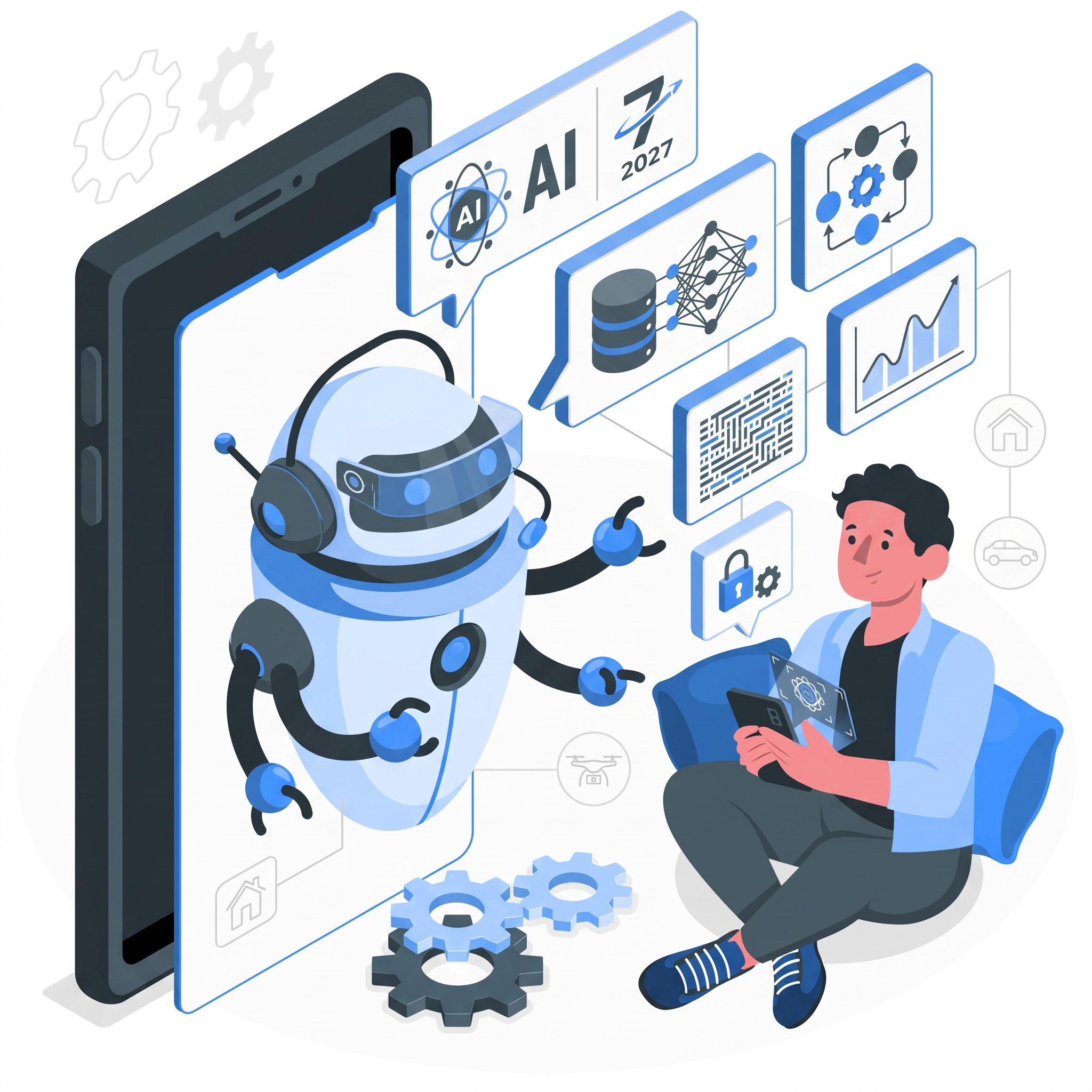
If you're evaluating AI development agencies right now, you've probably noticed something frustrating: every website says "We offer AI development services." But nobody actually explains what that means.
You see promises about LLM integration, data pipelines, fine-tuning, agents. You're confused about scope boundaries.
This article demystifies what you actually get when you hire an agency to build AI systems. We'll cover what's included at each phase, what's not (and what to budget separately), and why prices vary so dramatically.
Here's what makes it confusing:
Scope isn't defined. "AI development" could mean: a simple chatbot, an LLM integration into your product, a custom fine-tuned model, a multi-agent orchestration system, or a complete data pipeline. Agencies say all of these.
Pricing is opaque. The range is massive (and justified, but not explained). Nobody explains the drivers.
Deliverables are vague. "We'll build you an AI system" sounds good until you realise you don't actually know what you're getting. Is it code and a handoff? Is it training your team? Is it ongoing support?
Boundaries are unclear. Does the agency handle your data, your cloud infrastructure, your compliance requirements? Or do you? Most conversations don't clarify this until costs balloon.
This article answers all of those questions. Let's start with what you actually get.
Here's what a real AI development engagement looks like. Each phase has specific deliverables.
| Phase | Key Deliverables |
|---|---|
| 1. Scoping & Assessment | Use case document, feasibility report, architecture proposal, project timeline, risk assessment |
| 2. Architecture & Design | System design document, data flow diagram, API integration map, model evaluation framework, security plan |
| 3. Development & Integration | Built agent/model, API integrations, guardrails (content filters, rate limits), monitoring infrastructure, documentation |
| 4. Testing & Evaluation | Performance benchmarks, edge case testing, user acceptance testing, final documentation, runbooks |
| 5. Deployment & Handover | Production infrastructure setup, monitoring dashboards, team training materials, runbooks, support handoff |
| Ongoing Operations | Monitoring, bug fixes, performance optimization, API updates, escalation support |
Let's walk through what each phase actually looks like.
At the start, nobody has complete clarity. This phase fixes that.
You get: a detailed use case document explaining exactly what you're automating and why. A feasibility report showing what's technically possible and what isn't. An architecture proposal with a specific tech stack and approach. A detailed project timeline breaking down how long each phase will take. A risk assessment flagging what could go wrong and how you'll handle it.
This isn't theoretical. It's grounded in your actual systems, data, and requirements.
Now that you've decided to move forward, this phase designs the entire system in detail.
You get: a comprehensive system design document with diagrams showing how everything connects. A data pipeline blueprint explaining how data flows through the system. A model evaluation framework defining success metrics (latency, accuracy, edge cases). A security and compliance plan for handling sensitive data. An integration roadmap showing which systems connect and when.
This is where the system gets built. You get: the AI system itself (agent, fine-tuned model, or custom LLM integration). All API integrations connecting to your systems. Guardrails and safety mechanisms (content filters, rate limits, fallback responses, error handling). Monitoring and observability (dashboards showing system health, alerts when something breaks). Full source code, architecture documentation, and runbooks.
Before going fully live, the system gets thoroughly tested. You get: performance benchmarks showing latency, accuracy, throughput. Edge case testing (we deliberately break things to find failure modes). User acceptance testing with your team. Final documentation and runbooks for operating the system.
The system moves to your production environment. You get: the system running on your cloud infrastructure (AWS, Azure, or GCP). Real-time monitoring dashboards. Training sessions for your team (4–8 hours) covering how to operate, troubleshoot, and scale the system. Written runbooks for common scenarios. A transition period where we hand off to your team.
This section matters. A lot of project cost surprises come from scope boundaries being unclear. Here's what agencies typically don't handle. Budget for these separately.
| What's NOT Included | Why It Matters |
|---|---|
| Data cleaning and preparation | Bad data means bad AI. You might need to label data, remove duplicates, fix missing values, standardise formats. |
| IT infrastructure | Cloud setup, security configuration, networking, compliance architecture. We build the AI; your IT team manages infrastructure. |
| Tool subscriptions and API costs | LLM APIs, embedding services, databases cost money. These are recurring. You pay them directly. |
| Extended organisational change management | Rolling out AI often requires workflow redesign, change communication, training across teams. We don't do that. |
| Post-launch training beyond handover | Handover training: "Here's how to operate it." Extended training: "Here's how to integrate AI into your workflows." Only handover is included. |
| Ongoing support beyond 30 days | First 30 days: bug fixes and performance tuning. After that: support is optional and costs extra. |
| Scaling infrastructure | Initial deployment handles X volume. Scaling to significantly higher volume requires database changes, caching, load balancing. Often not in scope. |
| Regulatory compliance beyond technical | We build audit logs and access controls. You handle data residency regulations, industry certifications, legal sign-off. |
Here's where clarity really matters. Four factors explain the wide price range. Understanding them helps you estimate your own project.
Low cost scenario: Data is ready.
High cost scenario: Data needs preparation.
Low complexity: Few integrations.
Medium complexity: 3–5 integrations.
High complexity: 5+ integrations.
Read-only (lower risk, lower cost):
Read plus limited write (medium risk, medium cost):
Read plus full write (highest risk, highest cost):
Low volume, batch processing (cheaper):
Medium volume, moderate speed (medium cost):
High volume, real-time (expensive):
Project A: Simple AI chatbot
Project B: AI agent automating approvals
Same "AI development services" label. Here's why.
Many companies ask: "Should we start with consulting or jump straight to development?"
The answer depends on how clear your requirements are.
| Aspect | Consulting | Development |
|---|---|---|
| Goal | Figure out if and how AI helps | Build a working AI system |
| Output | Strategy document and roadmap | Live, integrated system in production |
| You provide | Business context, stakeholder access | Business context, data, system access |
| They deliver | "Here's how to approach this" | "Here's the working system" |
| Next step | You decide whether to build | System is live, your team takes over |
Start with consulting if:
Jump straight to development if:
Most projects combine both:
This reduces risk. You validate before you invest heavily.
Here's what real scope looks like.
Challenge: Environmental Intellect needed a website that better conveyed the company's concept and improved user engagement, alongside a way to automatically detect and tag objects in 3D point cloud data.
What we delivered:
A redesigned website, migrated to Webflow, covering UX/UI design and implementation. A machine learning module that automatically detects and tags specific objects in a 3D point cloud, with added text detection features. The engagement combined design, build, machine learning and quality assurance work.
Outcome: Website performance score of 97 out of 100. 75% of US refining capacity and industry leaders across the globe trust the platform. Environmental Intellect clients save over $200k in contractor costs.
Answer these six questions.
Impact: Option A is typically cleanest scope (and cheapest). Options B and C require deeper integration.
Mostly A's = Lower scope complexity. Read-only, minimal integrations, clean data, batch processing. These projects typically run 6–10 weeks and cost £32K–£80K.
Mostly B's = Moderate scope complexity. Some integrations, limited write access, data preparation needed, moderate volume. These projects typically run 10–16 weeks and cost £60K–£120K.
Mostly C's = Higher scope complexity. Multiple integrations, autonomous decision-making, unstructured data, real-time requirements. These projects typically run 16+ weeks and cost £120K–£200K+.
Mixed answers? Most real projects combine elements. For example:
Use these estimates for your initial budget ballpark. The cost drivers section earlier explains where the variation comes from.
Short answer: Data cleaning becomes a separate project.
Long answer: Dirty data is the biggest hidden cost in AI projects.
If your data is unstructured (PDFs, images, handwritten documents) or needs labeling (humans tagging examples), you need a data preparation project first:
This can cost more than the AI development itself.
Your options: do it yourself (internal time investment), hire the agency, or use automated tools (cheaper but limited).
Short answer: Yes, during handover. Extended training costs extra.
Long answer:
Included (handover training, 4–8 hours): How to operate the system. How to interpret results. How to troubleshoot errors and escalate issues. Runbooks and documentation.
Not included (extended coaching): Multi-week coaching on integrating AI into your workflows. Organisational change management. Custom training for each team member.
If you want extended training, budget separately.
Short answer: 30 days included.
Long answer:
Included (first 30 days): Bug fixes. Performance tuning. Documentation updates. Escalation support (5-business-day response).
After 30 days (optional): Ongoing monitoring. Critical bug fixes (SLA-based). Performance optimisation. User support and escalation handling.
You handle: API subscriptions (OpenAI, Pinecone, etc.). Cloud infrastructure costs. Regular backups and security updates.
Short answer: Chatbots are generic. Custom agents are integrated, autonomous systems built for your problem.
Long answer:
Chatbot tool (Intercom, Drift, etc.): Pre-built, integrate with web form, out-of-the-box templates. Limited customisation.
Custom AI agent: Built for your specific problem, connects to your systems, learns from your data, makes autonomous decisions.
When to choose each: Chatbots are cheaper upfront for generic customer support.
Short answer: Sometimes. Here's how.
To reduce cost:
To reduce timeline:
Reality: Faster or cheaper usually means less ambitious scope. Not a free lunch.
You now know what AI development services actually include, what they cost, and why prices vary.
If you're ready to scope your project, we're here to help. We typically start with an initial strategy call (free): "Is AI right for your problem?"
If you want more detail, we can do a paid assessment: full scope and timeline estimate.
Either way, you'll have clarity before committing to a larger investment.
Next steps:
We work with companies across fintech, SaaS, operations, and digital products. If you've been confused about AI development scope and cost, you're not alone. Let's clarify what makes sense for your project.
Alexandra Mendes is a Senior Growth Specialist at Imaginary Cloud with 3+ years of experience writing about software development, AI, and digital transformation. After completing a frontend development course, Alexandra picked up some hands-on coding skills and now works closely with technical teams. Passionate about how new technologies shape business and society, Alexandra enjoys turning complex topics into clear, helpful content for decision-makers.
People who read this post, also found these interesting: